Every tab. Every setting.
Straight from the menu. What you see here is what you get.
01
Aimbot
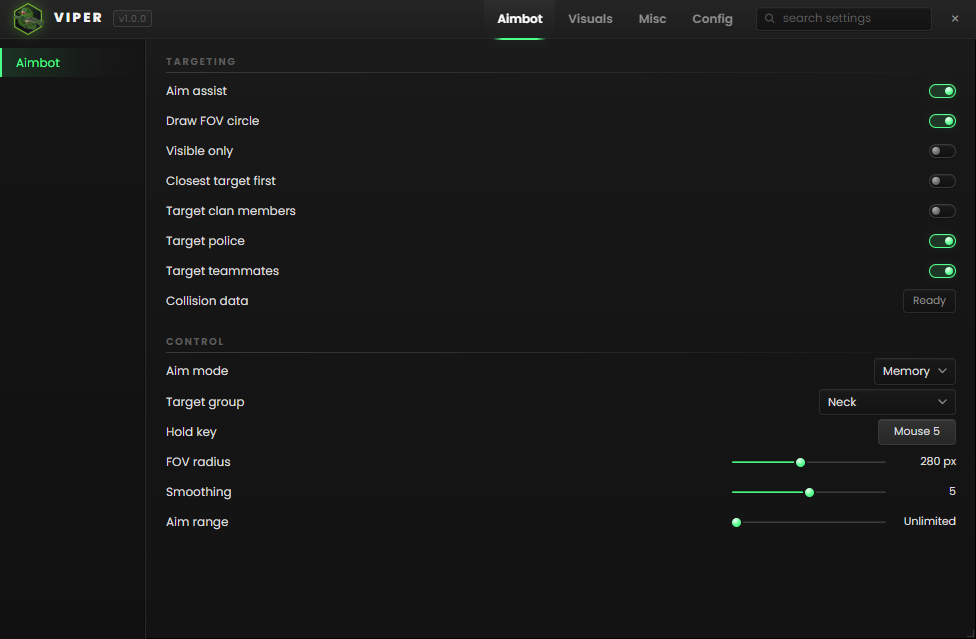
Targeting and control
- Aim assist
- Draw FOV circle
- Visible only
- Closest target first
- Target clan members, police and teammates
- Target group
- Hold key
- FOV radius, smoothing and aim range
02
Visuals
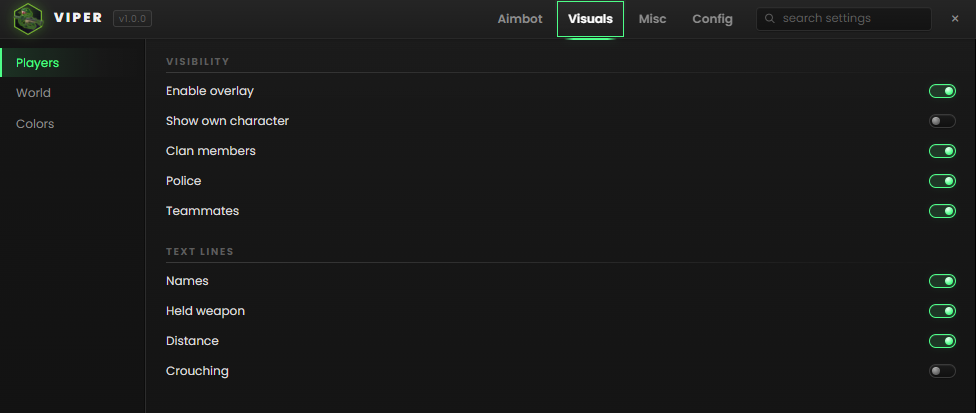
Players
- Enable overlay
- Show own character
- Clan members, police and teammates
- Text lines: names, held weapon, distance, crouching
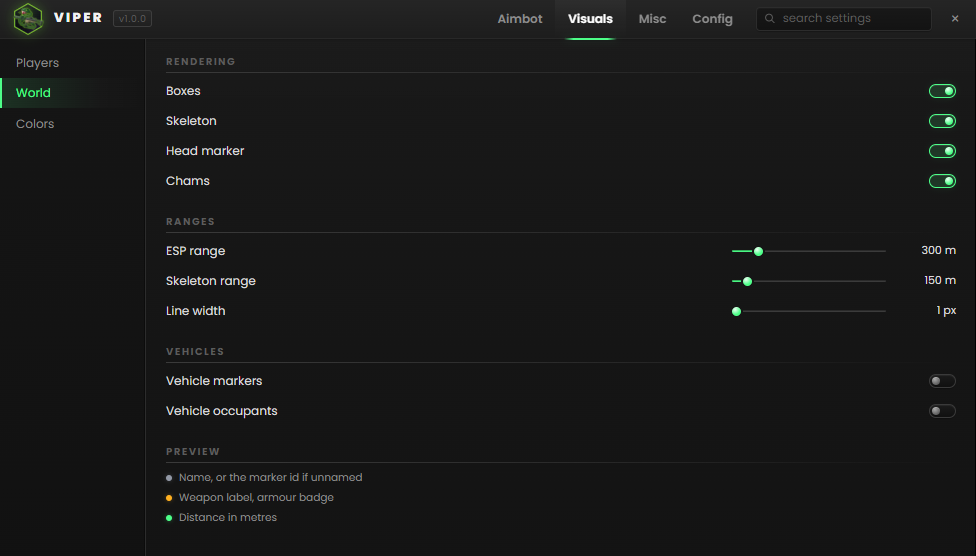
World
- Boxes, skeleton, head marker and chams
- ESP range and skeleton range
- Line width
- Vehicle markers and occupants
- Weapon label and armour badge
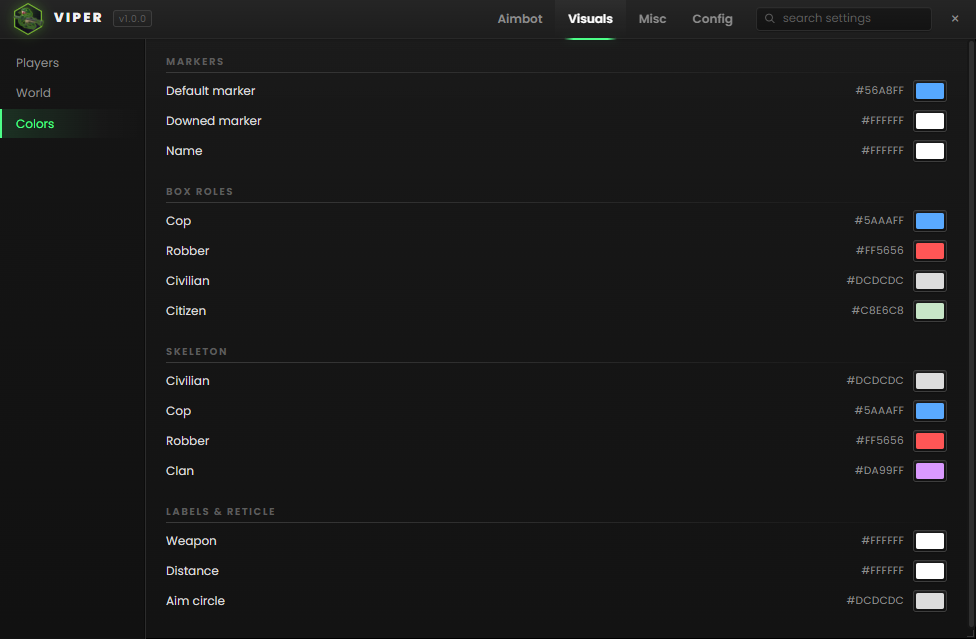
Colors
- Default, downed and name markers
- Box colours for cop, robber, civilian and citizen
- Skeleton colours for civilian, cop, robber and clan
- Weapon, distance and aim circle colours
03
Misc
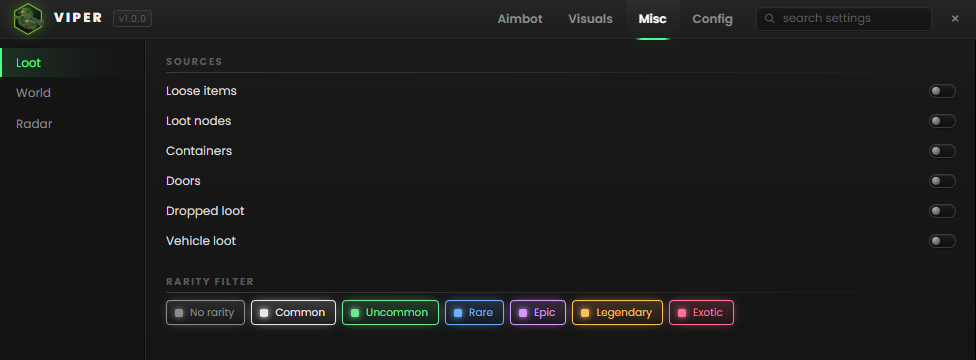
Loot
- Loose items and loot nodes
- Containers and doors
- Dropped loot and vehicle loot
- Rarity filter: no rarity, common, uncommon, rare, epic, legendary, exotic
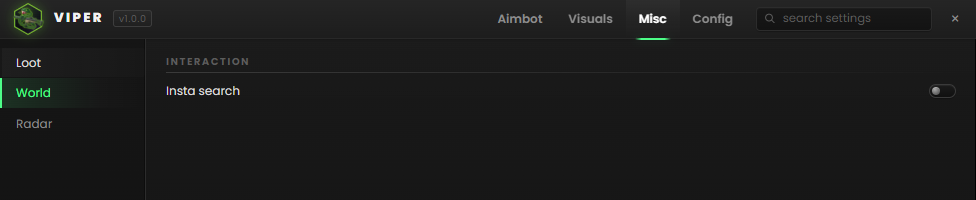
World
- Insta search
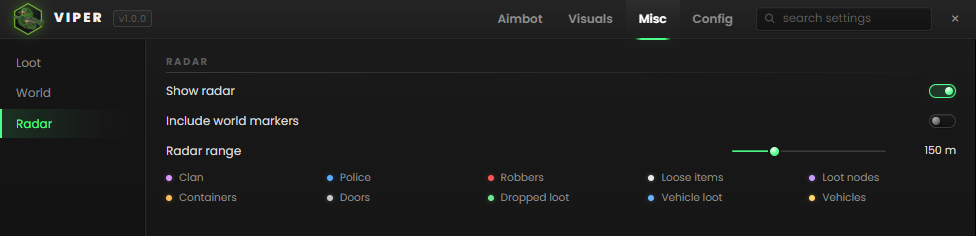
Radar
- Show radar
- Include world markers
- Radar range
- Markers for clan, police, robbers, loot, containers, doors and vehicles
04
Config
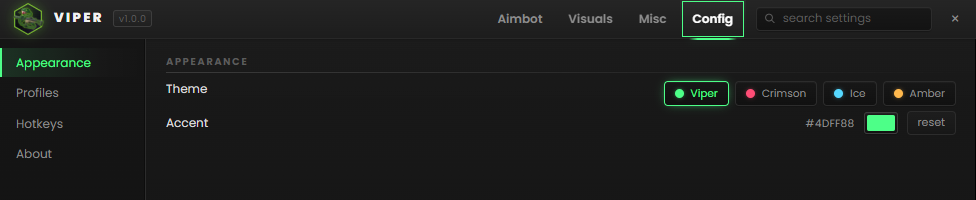
Appearance
- Four themes: Viper, Crimson, Ice, Amber
- Custom accent colour
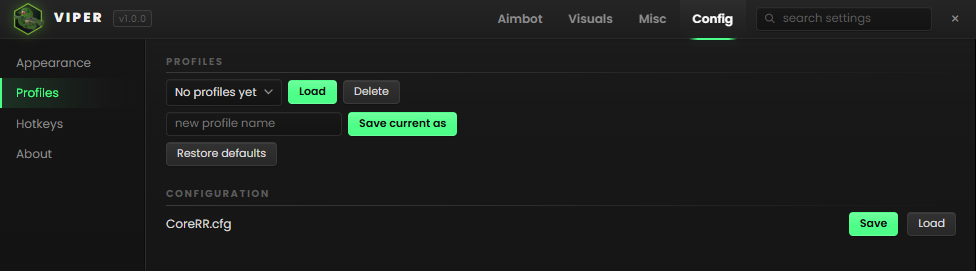
Profiles
- Save the current setup as a named profile
- Load and delete profiles
- Restore defaults
- Save and load the configuration file
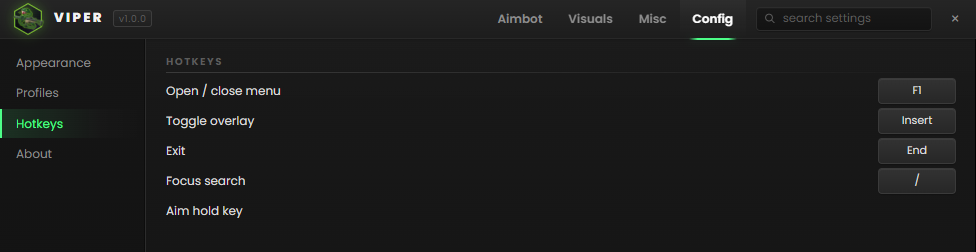
Hotkeys
- F1 opens and closes the menu
- Insert toggles the overlay
- End exits
- / focuses search
- Aim hold key